
How Settings Change Gemstone Appearance
How do settings change the appearance of a gemstone? Metal color frames the stone’s hue, with yellow gold adding warmth and white metals giving a cooler, crisper contrast. The style of setting controls how much light reaches the stone and how well it is protected, and details such as halos, height and prong thickness change how large the stone looks. The gem’s own color does not change, but its perceived color, brightness and size can.
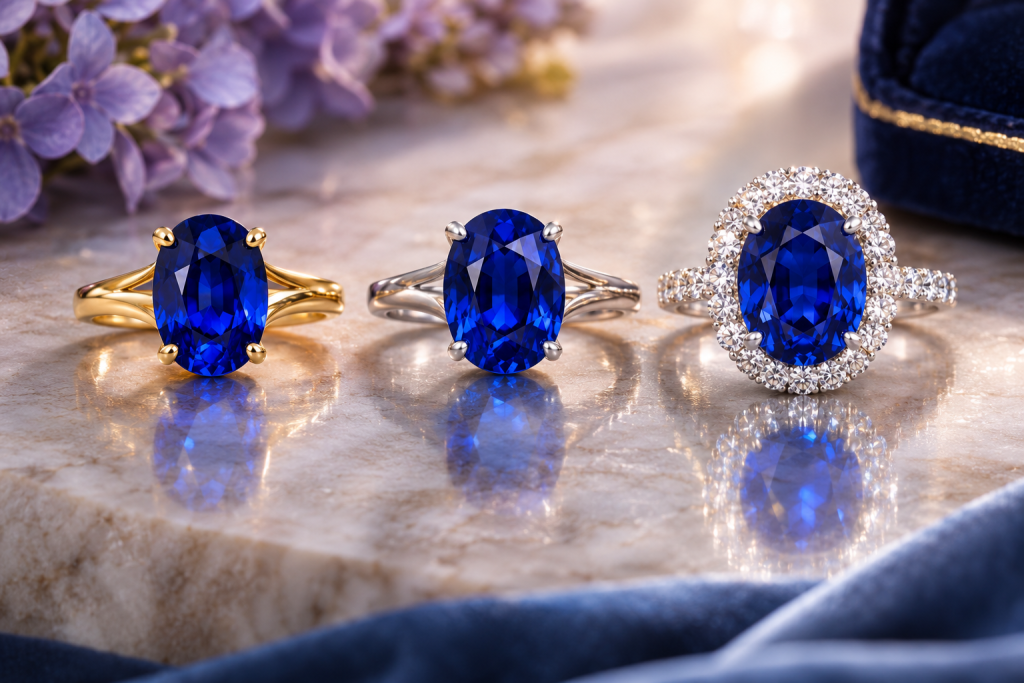
Metal Color: The Frame Around the Gem
The color of the metal surrounding a gemstone is one of the biggest influences on how it looks.
Yellow Gold
Yellow gold adds warmth. It flatters gems with warm tones, such as rubies, yellow and orange sapphires, citrine, and many emeralds. With pale stones, yellow gold can reflect into the gem and add a slight warm tint, which some people love and others prefer to avoid.
White Gold and Platinum
White metals create a cool, crisp contrast. They are popular for blue sapphires, aquamarines, and colorless stones, and can make color look clean and bright. White gold is often rhodium plated and may need re-plating over time; platinum is naturally white.
Rose Gold
Rose gold has a soft pink warmth that pairs beautifully with pink sapphires, morganite, and spinel, and creates an interesting contrast with green and blue gems.
Mixed Metals
Some designs use white metal prongs with a yellow or rose gold band. This allows the stone to sit against a neutral color while the band adds warmth.
Settings in Our Inventory
A few listings show these choices at work. The 4.00 ct oval ruby halo ring in 18K yellow gold (J11507) and the 5.04 ct oval ruby halo ring in 18K white gold (J12039) put similar red stones against warm and cool metal, and both are described as natural diamond halo rings. The 5.28 ct Asscher emerald ring in 18K white and yellow gold (J11973) is an example of mixed metals. Our own gemstone rings include the 1.82 ct color-change spinel ring in platinum 950 (JS447PT-K2199) and the 6.94 ct color-change garnet ring in platinum 950 (JS1163PT-K11498), both set in platinum 950, a white metal.
If you are designing your own piece, platinum 950 setting styles are available to view on their own: a solitaire (JS31), a three-stone (JS1386), an antique style (JS1124) and a pavé style (JS1150). The product photos on those ring pages show the center stones, so ask us for images of the finished setting if you want to see the metalwork.
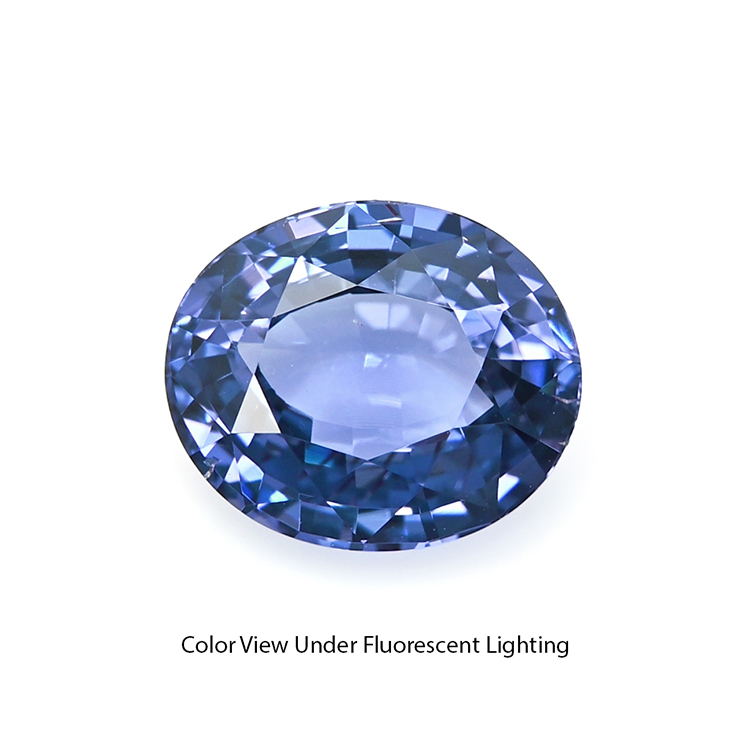
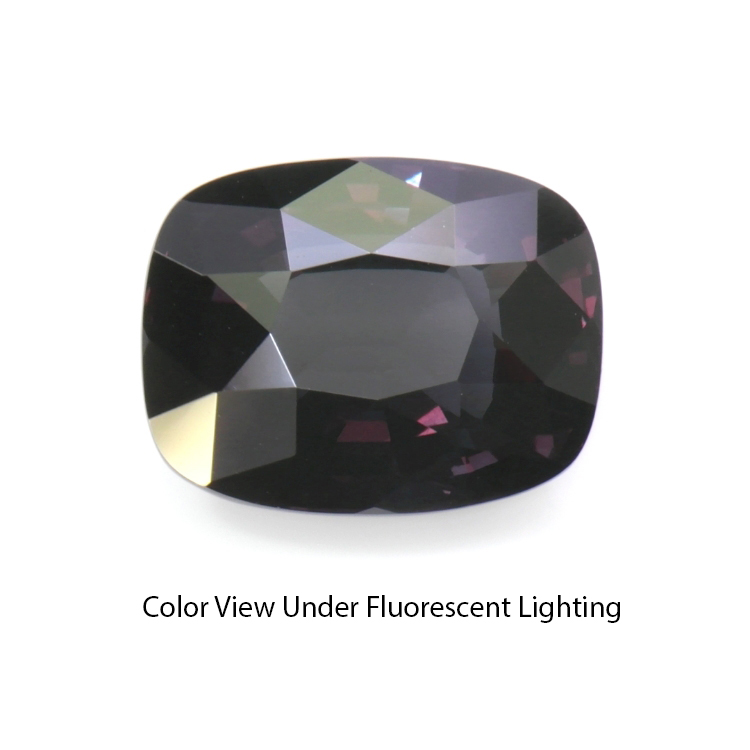
Three Settings in Motion: Handheld Videos
A pavé ring, a three-stone ring and a solitaire from our inventory, all in platinum 950. Watch how the setting frames each center stone as the ring turns.
Setting Style: How Light Reaches the Stone
Most of a gemstone’s brightness comes from light entering through the top, reflecting off the pavilion facets, and returning to the eye. How much the setting covers the stone affects this.
Prong Settings
Prongs hold the stone with small metal claws, leaving most of the gem exposed. This allows plenty of light to enter, often maximizing brightness and sparkle. Fewer prongs show more of the stone; more prongs offer greater security.
Bezel Settings
A bezel surrounds the stone with a rim of metal. It offers excellent protection for edges and corners, making it ideal for active lifestyles and for gems that are more prone to chipping. Because it covers the girdle and blocks some side light, a bezel may make a stone appear slightly darker, though in practice most light enters through the top.
Channel and Pavé Settings
Channel settings hold small stones in a groove between metal walls, while pavé uses tiny beads of metal to hold many small stones close together. Both create a continuous surface of color or sparkle, influencing how the overall piece reads from a distance.
Halos and Surrounding Stones
A halo, a ring of smaller stones around a center gem, can make the center appear larger and add sparkle. Halos also influence color perception:
- A diamond halo can make a colored gem look more saturated by contrast.
- A colored halo can create harmony or contrast, depending on the colors chosen.
- Matching stones must be carefully selected so they do not clash with the center gem.
Open Versus Closed Backs
Most modern settings leave the back of the stone open, allowing light in from below and making cleaning easier. Closed-back settings, more common in some antique jewelry, can affect brightness and trap dirt.
Historically, some closed-back settings used foil behind gems to enhance color or brightness. Today, any such backing should be disclosed, as it changes how the stone appears.
Height and Profile
A high setting lifts the stone, letting in more side light and creating a dramatic look. However, it is more exposed to knocks. A low profile is more practical for everyday wear and protects the stone better, but may allow slightly less light from the sides.
Size Perception
Settings can change how large a gemstone looks:
- Thin prongs and slim bands can make a stone appear larger.
- Halos add visual width.
- Bezels can add a slight visual border, sometimes making a stone appear larger, especially in white metal.
- Elongated shapes, such as ovals and pears, often look larger face-up than rounds of similar weight.
For how size and weight relate to quality, with millimeter examples, see Choosing Between Gemstone Size and Quality.
Matching the Setting to the Gemstone
Different gems benefit from different approaches.
- Emeralds often contain fractures, so protective settings with corner coverage are common, and heat during setting must be controlled carefully.
- Opals are relatively soft and sensitive, so bezels are often recommended.
- Sapphires and rubies are very durable and work well in most settings.
- Tanzanite and other softer or more brittle gems benefit from protective designs in rings.
Thinking About Comfort and Everyday Wear
Appearance is only part of the picture. A setting should also suit how you live. Consider whether a high setting will catch on sweaters or gloves, whether prongs will need occasional checking, and how easy the piece will be to clean. A jeweler can adjust prong shape, gallery height, and band width to balance beauty with comfort. It is worth trying on similar styles before committing to a custom design, because a setting that looks perfect in a sketch can feel different on the hand.
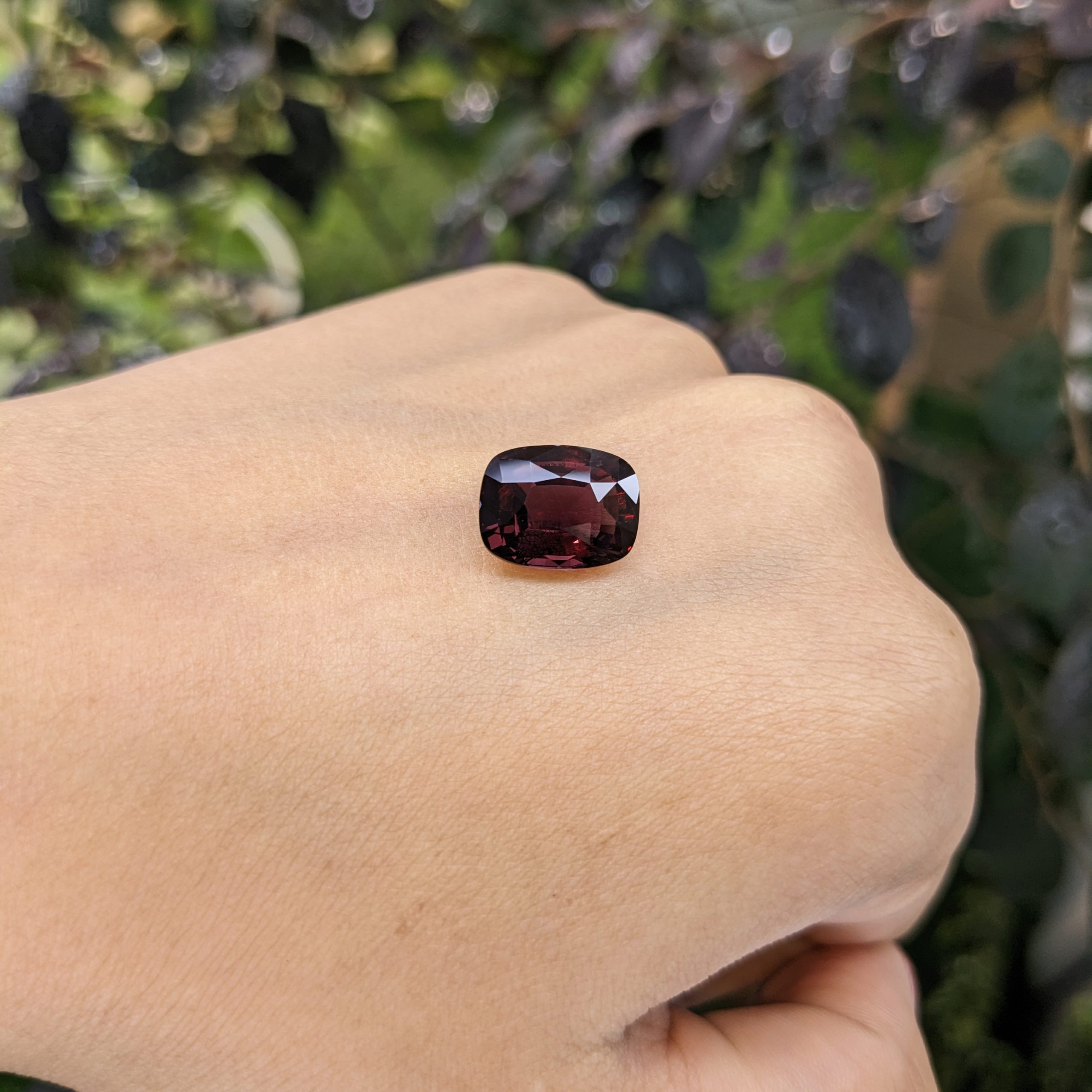
Settings on the Hand: Rings From Our Inventory
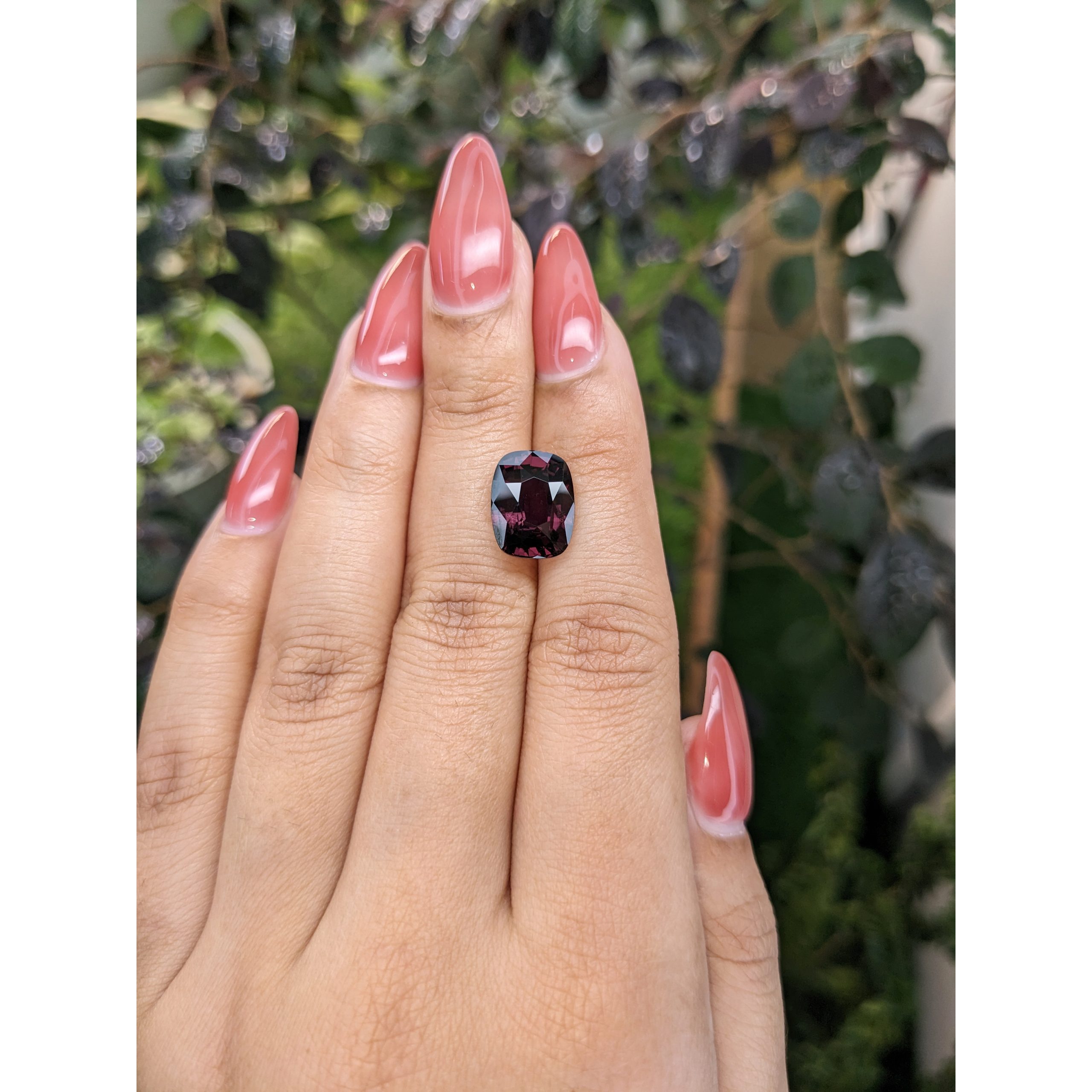
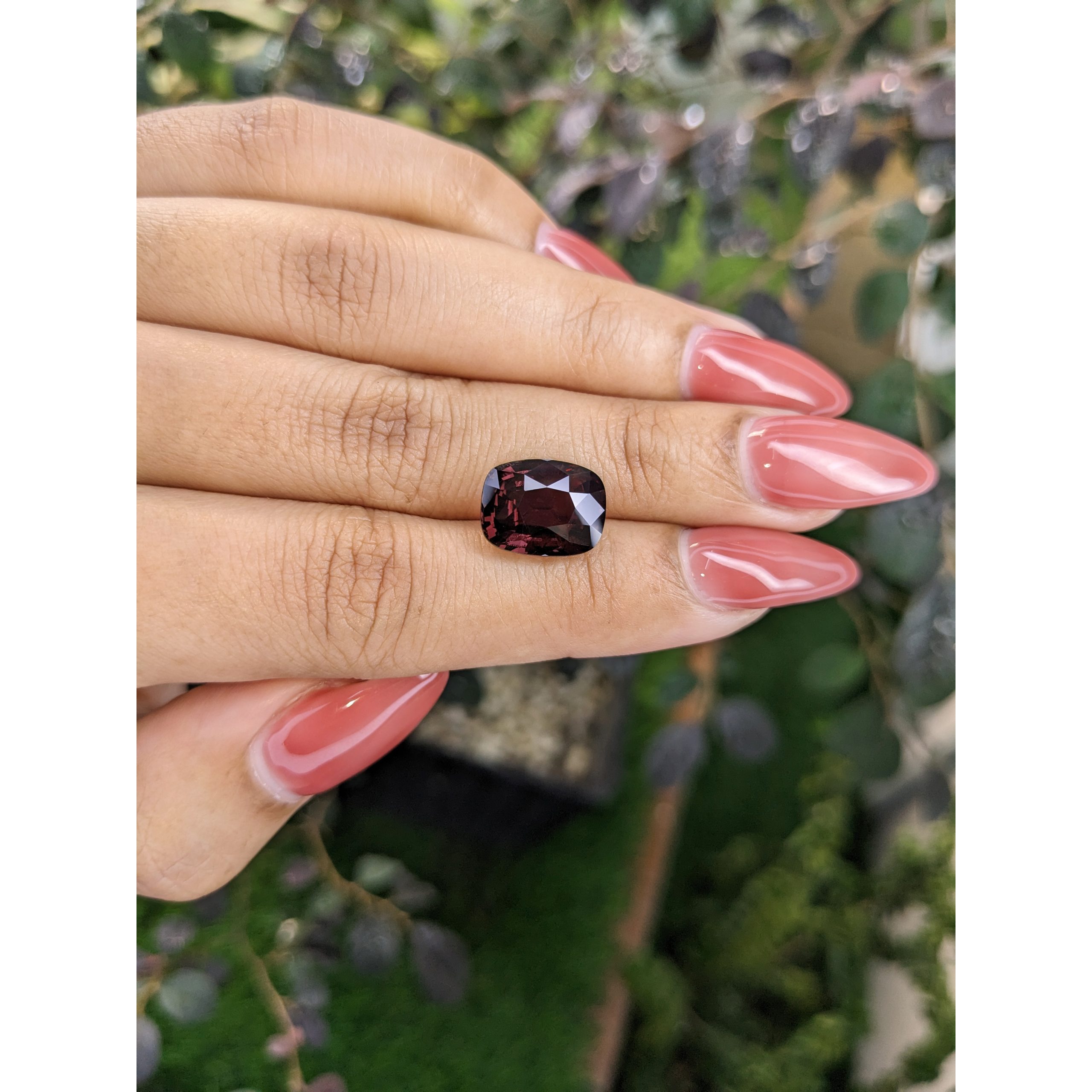
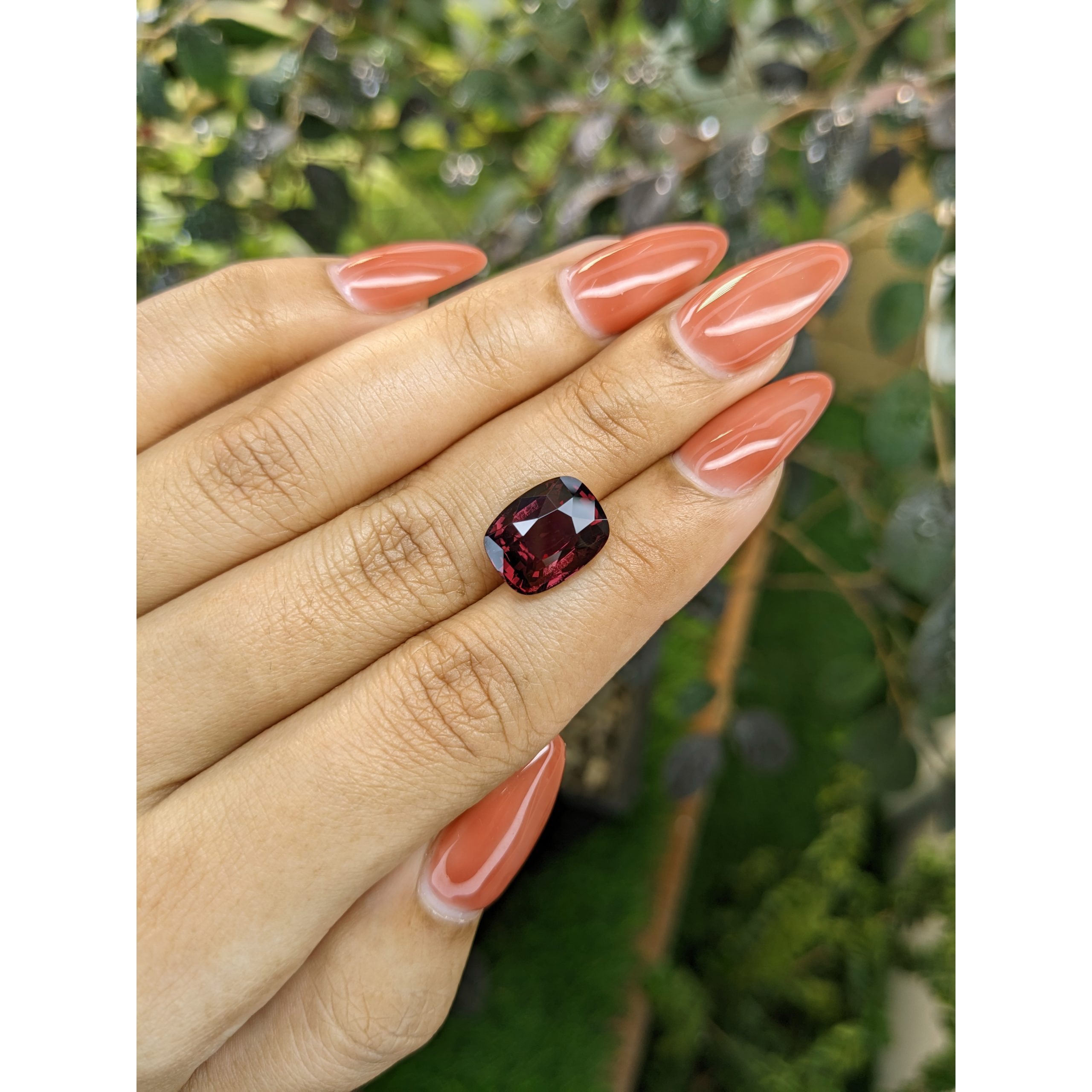
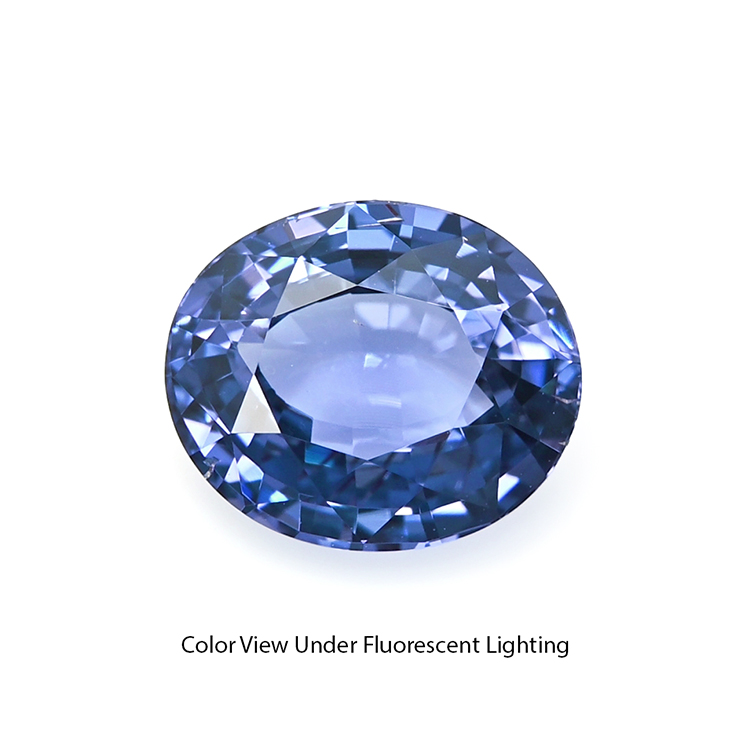
The 6.94 ct color-change garnet pavé ring, worn on the hand, and, on white, the 1.82 ct color-change spinel three-stone ring. Use the links to see each ring in full.
Frequently Asked Questions
Which metal makes a sapphire look bluest?
White metals like white gold and platinum often make blue sapphires look crisp and cool. Yellow gold can create a warm, classic contrast. Personal preference is key.
Do bezel settings make gemstones look smaller?
Bezels cover the girdle, but because they add a metal outline, they can make a stone look similar in size or even slightly larger. They may reduce side light slightly.
Can a setting change a gemstone’s color?
Not the stone’s actual color, but metal color can reflect into the gem and alter how its color is perceived.
Are halos only for diamonds?
No. Halos can be made with diamonds or colored gems and can be used around almost any center stone.
Conclusion
A gemstone setting is far more than a holder. Metal color frames the gem’s hue, setting style controls light and protection, and design details influence size and character. The right setting lets a stone’s natural beauty show while keeping it safe for years of wear.
If you would like help choosing a setting that flatters your gemstone, our team at The Natural Gemstone Company is always glad to help with custom designs. Explore our collection at naturalgemstones.com.